
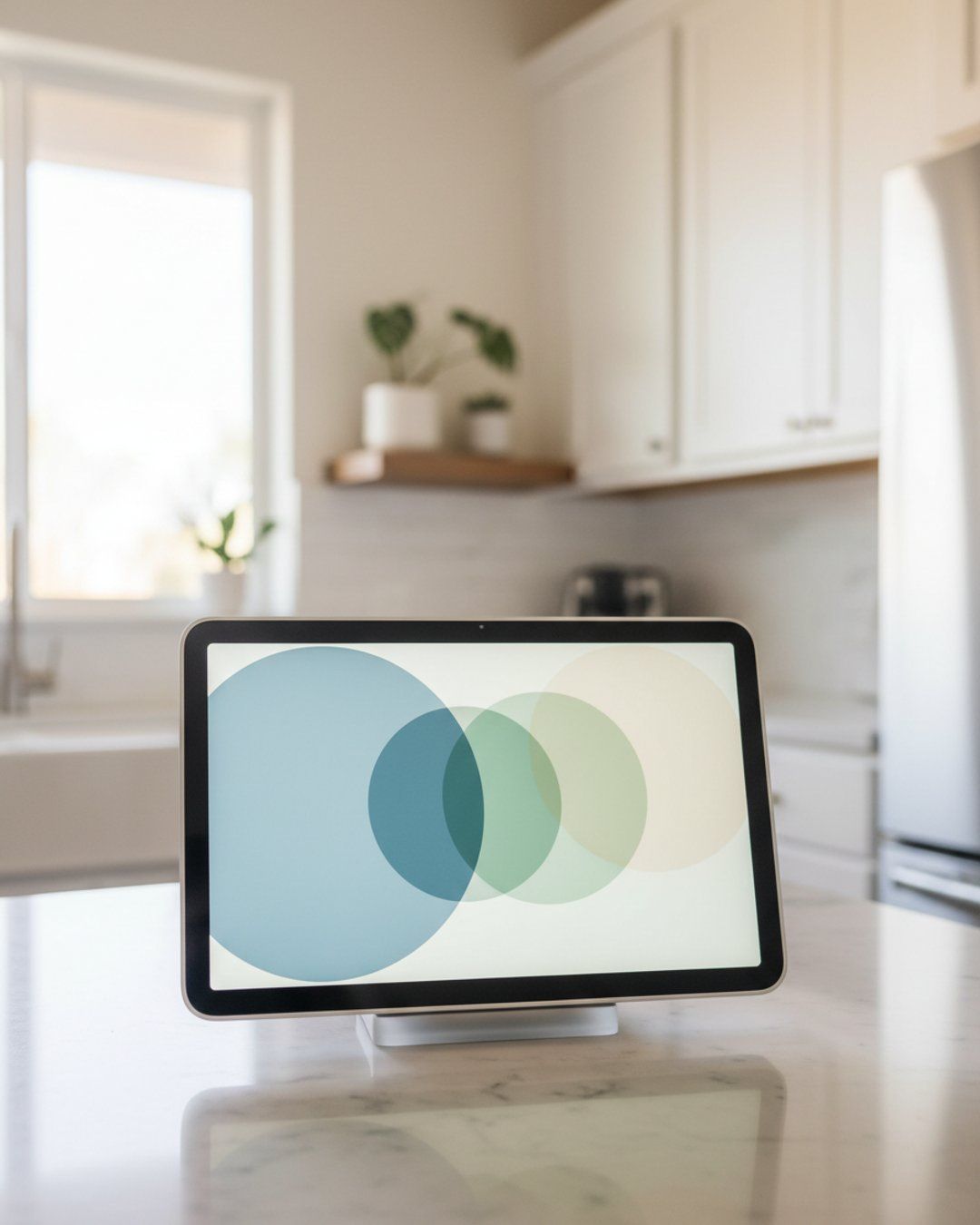
Apple's new HomeView smart display is a jukebox with a catch
- A screen that sounds like a Mini
- Tilting the screen changes sound
- No stereo for your kitchen
The story
A screen that sounds like a Mini
Apple’s $299 HomeView offers better bass than a HomePod Mini but lacks the room-filling audio of larger smart speakers.
Tilting the screen changes sound
Because the display sits directly over the speaker base, the angle of the screen affects the audio. Apple included an accelerometer that detects the tilt, allowing the device to adjust its EQ in real time.
While it supports Spatial Audio, the hardware design means it cannot match the 360-degree clarity of a dedicated speaker.
No stereo for your kitchen
Unlike the HomePod Mini, users cannot pair two HomeView units together to create a stereo sound system.
Third-party apps feel like guests
- Spotify and Audible use a ported version of Apple’s CarPlay interface.
- There is no search box for typing, forcing users to scroll or use Siri.
- Apps only appear when the specific owner's phone is on the same Wi-Fi.
- Performance is often slower and buggier than native Apple apps.
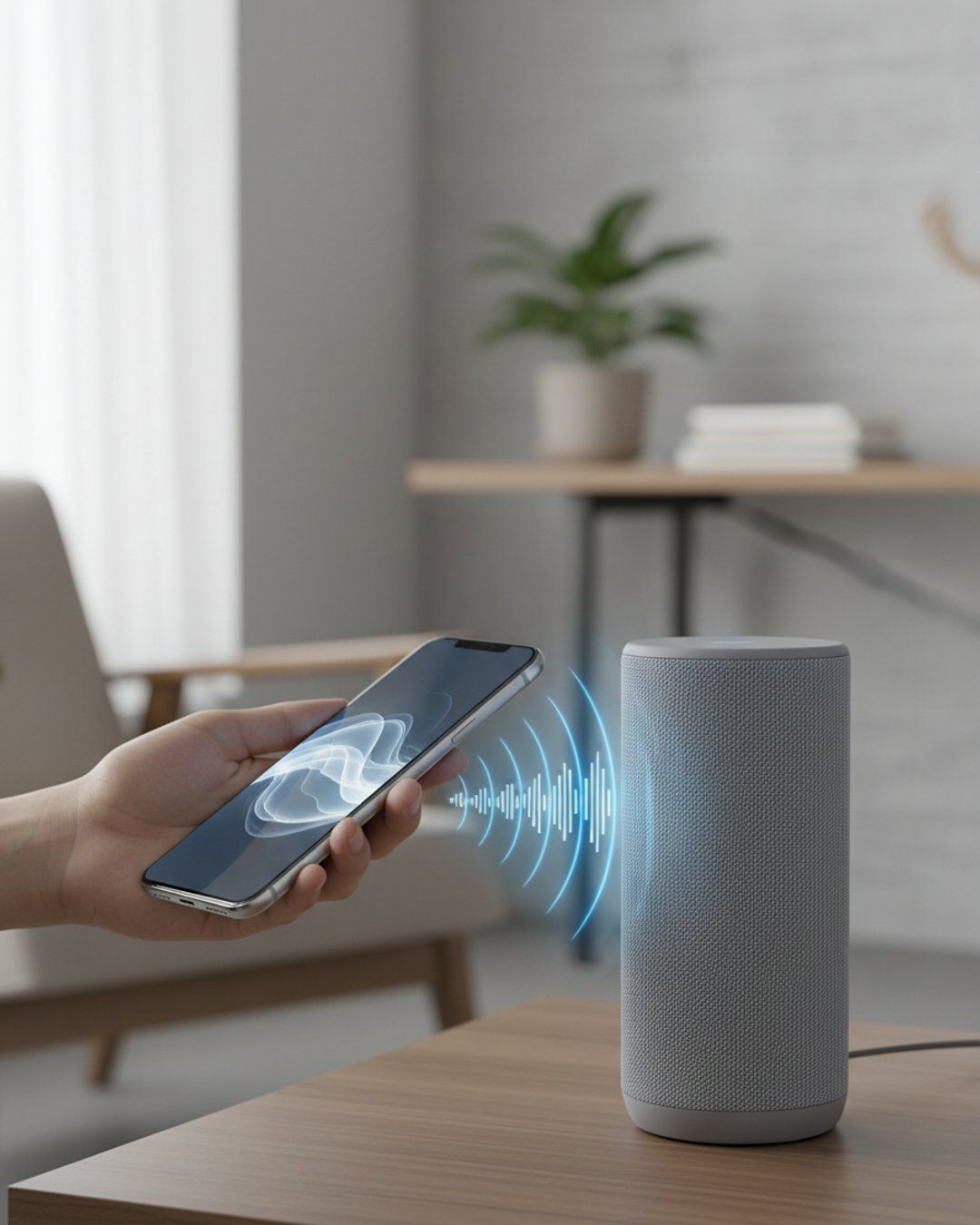
Transferring media with a tap
Tapping an iPhone to the base transfers music, podcasts, and even video between the two devices seamlessly.
A visual jukebox for the home
The primary reason to choose this over a standard speaker is the interface. The screen allows anyone in the house to browse playlists or skip tracks without using voice commands or a phone.
However, it lacks the ability to set a default external speaker, though it can AirPlay to other devices.
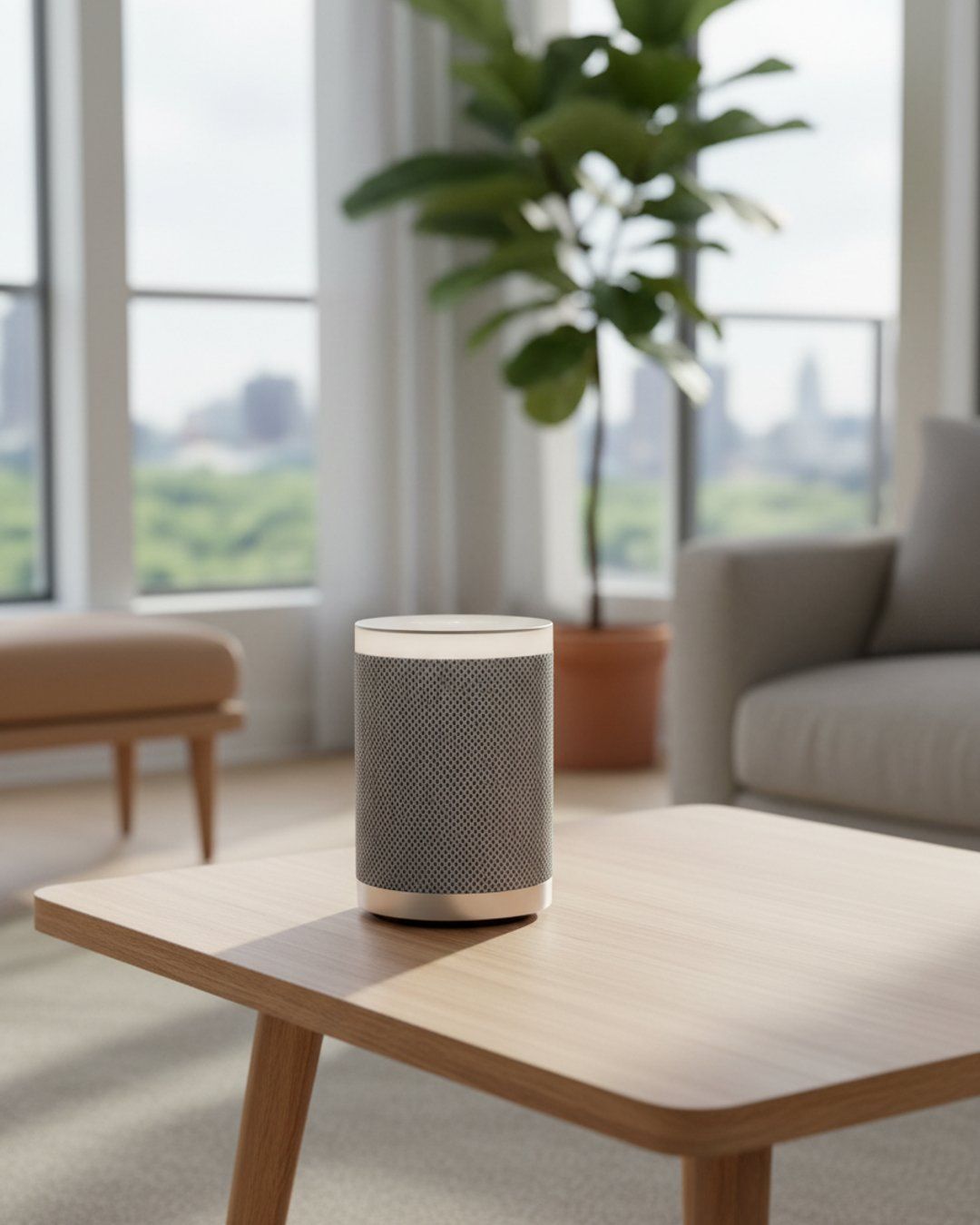
Apple’s HomeView enters the smart home market as a hybrid device, but tests show it is a smart display first and a speaker second. In terms of raw audio quality, the tabletop version outperforms the HomePod Mini in volume and bass, thanks to its internal woofer. However, because the screen partially blocks the drivers, it lacks the 360-degree sound found in Apple’s dedicated speakers. The wall-mounted version is thinner still, lacking almost any bass.
Software limitations are the biggest hurdle for music fans. Apple is using its CarPlay platform to bring third-party apps like Spotify to the device. This means the apps lack a keyboard for searching because they were designed for driving, not for a stationary kitchen display. Furthermore, these third-party services only work when the primary user’s phone is nearby, making them less accessible for the whole family compared to Apple Music.
For those deep in the Apple ecosystem, the HomeView offers a convenient "Handoff" feature. Users can tap their phone to the device to instantly move music or video to the screen. It also remembers the last AirPlay speakers used for native apps, making it a decent controller for a larger home system.
Ultimately, the HomeView is best viewed as a visual controller for the home rather than a replacement for high-end audio. If your goal is the best possible sound for $300, reviewers suggest buying two HomePod Minis for a stereo pair instead. The HomeView is for users who want the convenience of a touchscreen to manage their media and smart home devices.
Source: The Verge ↗
Illustration: AI-generated



Comments